
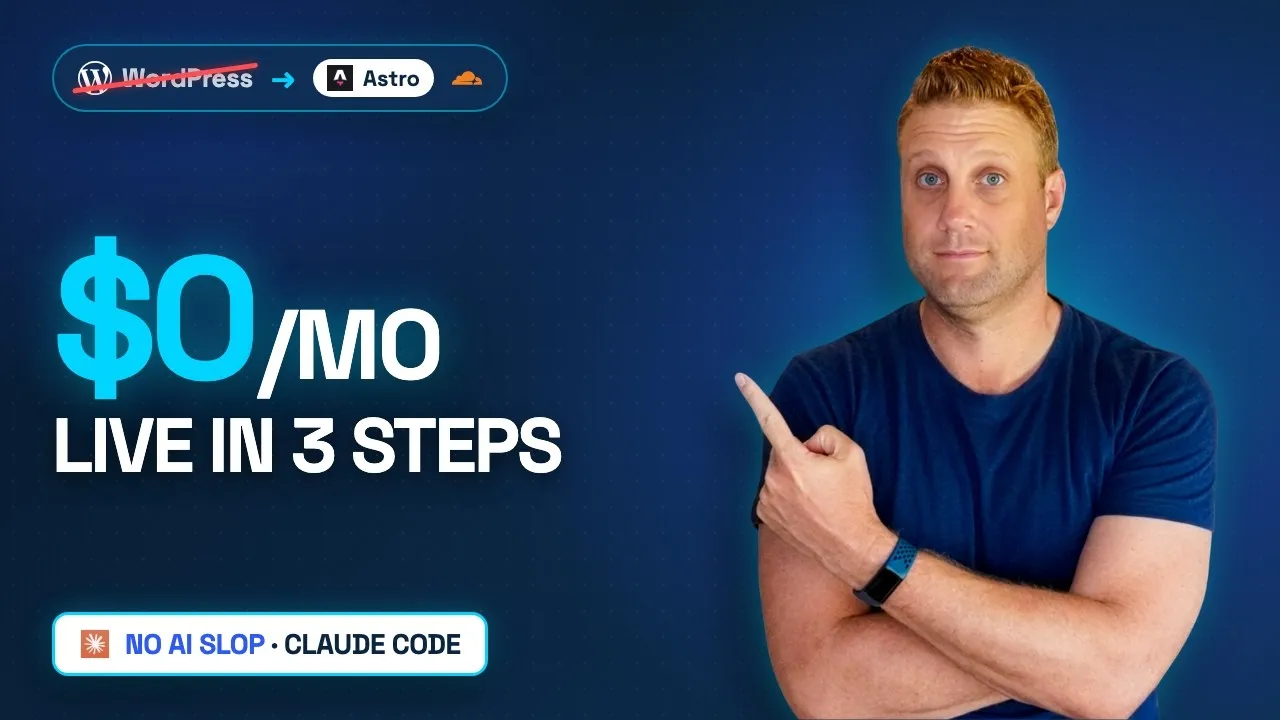
WordPress to Astro on Free Cloudflare Pages (3 Steps)
Walkthrough Overview
About This Video Guide
Part 2 of moving a client website from WordPress to Astro and free Cloudflare Pages, from the first crawl to GitHub branching and a 47-second auto-deploy.
Get the MRK-Web Skill: [LINK: MRK-Web Skill]
In Part 1, I walked through the quick workflow and skipped past the GitHub, Cloudflare Pages, and contact form setup. This full 30-minute walkthrough shows the real build on a 2016 six-page Divi site (juliecouzner.com.au) inside Claude Code using the MRK-Web skill.
You do three steps while the skill runs a 20-point check in the background: enter the old URL, pick from five homepage designs, and push to GitHub to deploy on Cloudflare Pages. Taste rules load before any layout code is written to prevent generic AI layouts.
What this walkthrough covers:
- Quick Start vs Agency mode, plus optional Search Console and brand folders
- Model orchestration in Antigravity and Claude Code (routing link crawling to Sonnet sub-prompts so heavier models stay focused on design and build work)
- Optional Higgsfield MCP and Mobbin UI add-ons
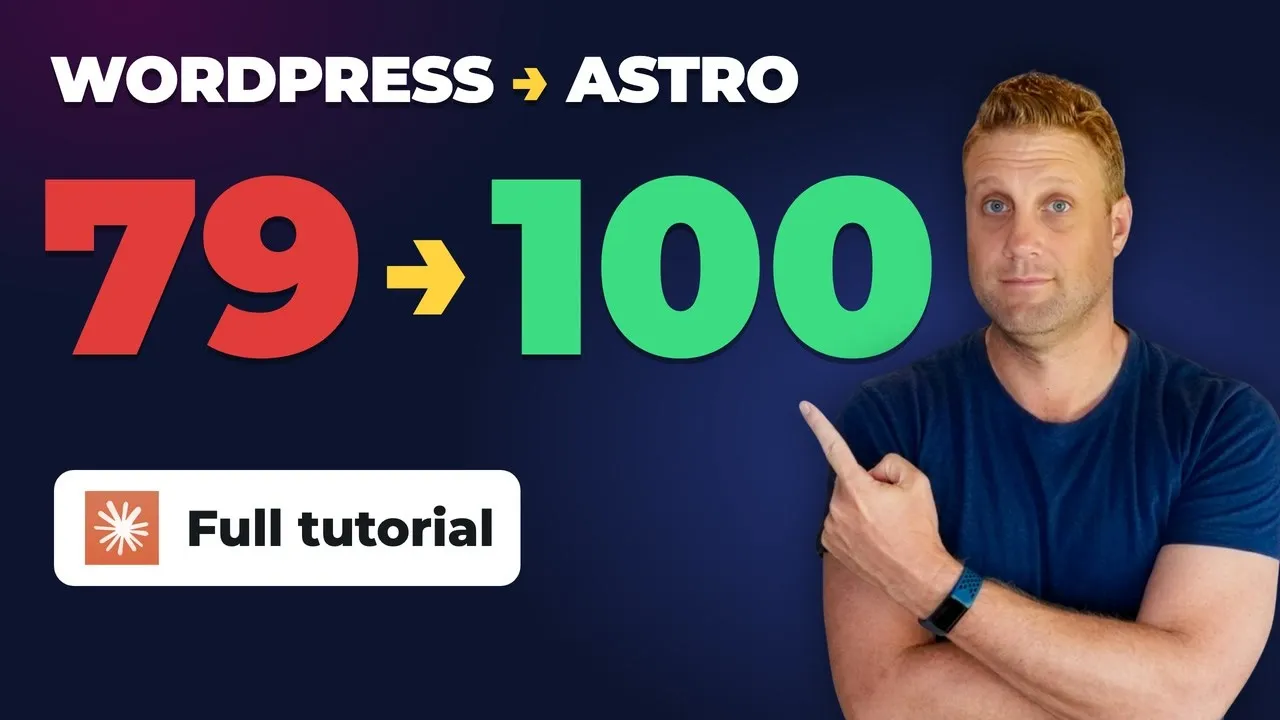
- Generating five homepage options in about 14 minutes and cutting page weight from 730 KB (27 files) to 220 KB (5 files), moving the build scorecard from 1/10 to 10/10
- Using visual annotations to add a studio photo lightbox while keeping every page at 98 or above
- Creating a private GitHub repo under an organization with zero leaked secrets, auto README and changelog files, and a main + 1.0.0 branch workflow that any teammate can resume in Claude Code, Codex, or Antigravity
- Connecting GitHub to Cloudflare Pages for automatic 47-second builds and setting up Mailgun and Cloudflare Turnstile environment variables ready for live keys
If you pick up the MRK-Web skill and want a hand wiring up Cloudflare, Mailgun, or Turnstile on your own build, book a 20-minute call on my site or ask about a done-for-you migration quote.
Links & tools mentioned:
- MRK-Web Skill: https://mrkwp.gumroad.com/l/jcfrsq
- Part 1 (WordPress to Astro Overview): [LINK: Part 1 YouTube URL]
- Prompting & Claude model routing guide: https://mrkwp.gumroad.com/l/jcfrsq
- Book a 20-minute call or request a quote: Work With Me
My Favourite tools:
Kadence Theme
https://bit.ly/42M9u74
Kadence Blocks Pro
https://bit.ly/42INdXI
Kadence Pricing
https://bit.ly/49oWvdZ
The Event Calendar
https://bit.ly/3UKQio3
Blocksy Theme
https://bit.ly/32UQSHx
WP Stackable Blocks
https://bit.ly/3eY2VGh
Astra Theme
https://bit.ly/3eXzIeM
WP Rocket
https://bit.ly/3pXODf3
My Favourite WordPress hosts:
Spinup WP ( get $50 on signup ): https://bit.ly/48ERe0B
WP Engine
https://bit.ly/3eTQR9d
Cloudways
https://bit.ly/48skhFV
Get vidIQ to grow your channel faster! 🚀
https://vidiq.com/mrkwp
Please note these are affiliate links and I get a small kick back from these websites if you make a purchase. We do not do sponsored content and my thoughts are my own. By purchasing with these links you are supporting my channel to create more helpful content.
Key Chapters & Timestamps
Jump to a chapter on YouTube:
- 0:00WordPress to Astro in 3 Steps(opens YouTube at 0:00 in a new tab)
- 0:48Install MRK-Web & Kickoff(opens YouTube at 0:48 in a new tab)
- 4:24Brand Kit, Models & Taste Rules(opens YouTube at 4:24 in a new tab)
- 10:34Pick From 5 Homepage Designs(opens YouTube at 10:34 in a new tab)
- 13:16Visual Annotations & Browser QA(opens YouTube at 13:16 in a new tab)
- 17:22GitHub Step 14: Repo & Branching(opens YouTube at 17:22 in a new tab)
- 19:06Cloudflare Pages, Env Vars & Secrets(opens YouTube at 19:06 in a new tab)
- 22:19Live Lightbox, Pull Request & Auto-Deploy(opens YouTube at 22:19 in a new tab)
- 29:35Next Steps & MRK-Web Skill(opens YouTube at 29:35 in a new tab)
Core Focus Areas
- 1Practical, production-tested techniques tailored for WordPress and modern tooling.
- 2Stripping away fragile dependencies so your site stays fast and resilient.
- 3Workflows structured so your internal team can maintain and own them long-term.
More Practical Walkthroughs
Explore step-by-step video tutorials and technical walkthroughs.

Let’s figure it out together
You don’t have to
build alone.
A little guidance. A good conversation. A better next step.
Start with a 20-minute call. I read every enquiry myself.