
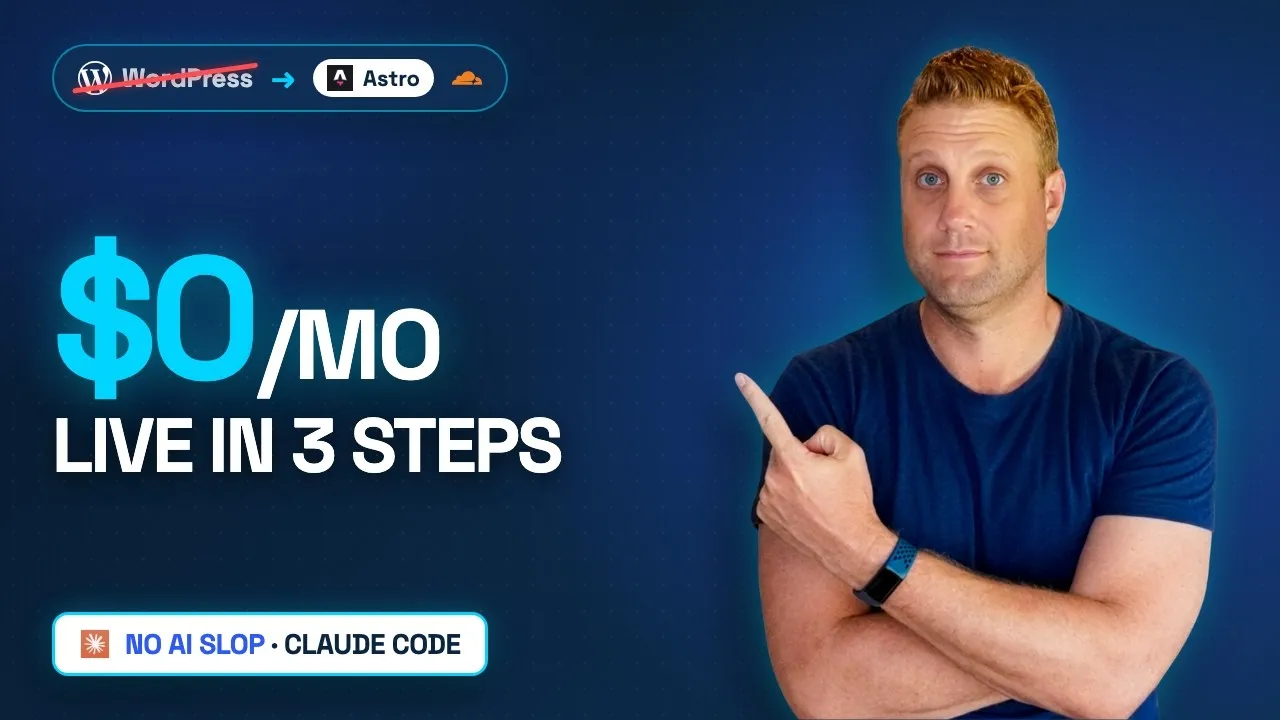
15 Years of WordPress. Here’s How I Migrate Sites to Astro in 7 Steps (Claude Code)
Walkthrough Overview
About This Video Guide
I've been building WordPress websites for 27 years — over 1,000 sites in production. Here is the exact 7-step workflow I now use inside Claude Code to move a real Sydney client off an old 16-page Divi WordPress site onto static Astro and free Cloudflare hosting, without breaking their email.
No one-shot AI slop: Claude crawls the real business facts first, extracts a brand kit, generates five design directions for you to pick from, builds all 16 Astro pages, takes visual feedback with the built-in annotation tool, pushes to a private GitHub 1.0.0 repo, runs a 98+ quality gate across every page, and switches DNS safely.
Real results on this client site (Comfort Care Support, Sydney):
- Mobile speed: 77 to 99 (PageSpeed preview: 100 Performance, 100 Accessibility, 100 Best Practices)
- Accessibility: 90 to 100
- Search basics: 92 to 100
- Homepage size: 1,255 KB down to 65 KB (nearly 20x lighter)
- Monthly hosting: Paid WordPress care plan to $0/month on Cloudflare
- WordPress plugins to update: 0 · PHP versions to babysit: 0
GET THE MRK-WEB CLAUDE CODE SKILL
Grab the MRK-Web skill zip on Gumroad: https://mrkwp.gumroad.com/l/jcfrsq
Want a WordPress-to-Astro migration done for your business or agency? https://mrkwp.com
WATCH PART 2 NEXT
Rapid GitHub versioning, Cloudflare auto-deploy, and Mailgun + Turnstile contact form setup end-to-end on a 10-year-old WordPress site: https://youtu.be/AVJUg-5kFAw
WHAT YOU NEED
- Claude Code
- A free GitHub account
- A free Cloudflare account
Shown with the client's permission (comfortcaresupport.com.au).
Get vidIQ to grow your channel faster! 🚀
https://vidiq.com/mrkwp
Key Chapters & Timestamps
Jump to a chapter on YouTube:
- 0:00Intro(opens YouTube at 0:00 in a new tab)
- 0:26Before & After: Old Divi Site vs Live Astro(opens YouTube at 0:26 in a new tab)
- 0:51Step 1: Get the MRK-Web Skill & Folder Setup(opens YouTube at 0:51 in a new tab)
- 1:27Step 2: Agency Mode vs Quick Start(opens YouTube at 1:27 in a new tab)
- 1:49Step 3: Grab Your URL, Crawl & Brand Kit(opens YouTube at 1:49 in a new tab)
- 2:31Why Not Just One-Shot AI?(opens YouTube at 2:31 in a new tab)
- 2:48Step 4: Pick a Design & Build Time-Lapse(opens YouTube at 2:48 in a new tab)
- 3:53Step 5: Local Review & Visual Annotation Feedback(opens YouTube at 3:53 in a new tab)
- 5:02Why the Revision Loop Matters(opens YouTube at 5:02 in a new tab)
- 5:15Step 6: GitHub 1.0.0, Cloudflare, Form Test & 98+ Gate(opens YouTube at 5:15 in a new tab)
- 7:04Step 7: Safe DNS Switch & Live Refresh(opens YouTube at 7:04 in a new tab)
- 7:434 Client Wins, MRK-Web Skill & What's Next(opens YouTube at 7:43 in a new tab)
Core Focus Areas
- 1Practical, production-tested techniques tailored for WordPress and modern tooling.
- 2Stripping away fragile dependencies so your site stays fast and resilient.
- 3Workflows structured so your internal team can maintain and own them long-term.
More Practical Walkthroughs
Explore step-by-step video tutorials and technical walkthroughs.

Let’s figure it out together
You don’t have to
build alone.
A little guidance. A good conversation. A better next step.
Start with a 20-minute call. I read every enquiry myself.