

Your first business website, step by step. First website? Step by step.
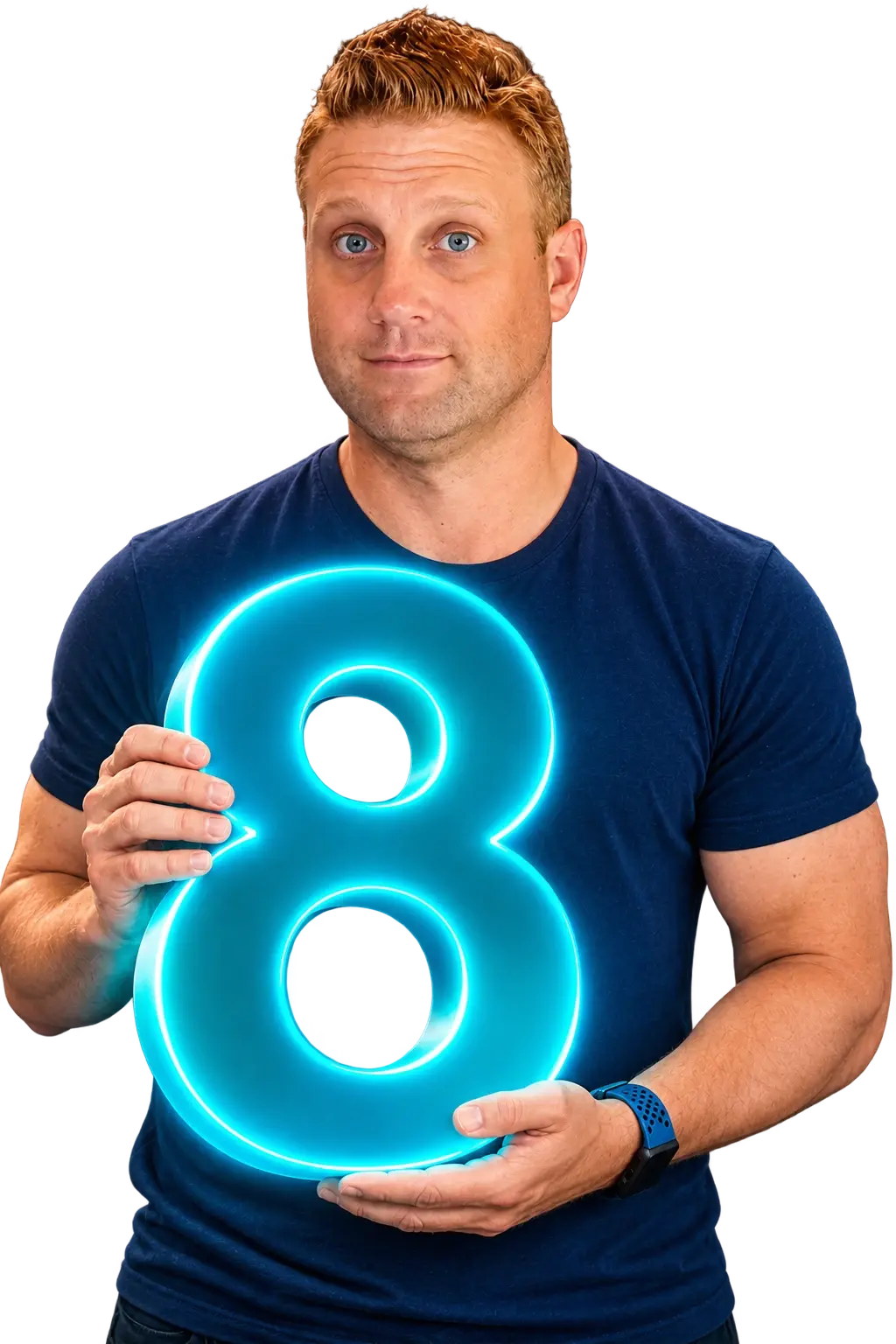
Eight steps from domain name to live site, using AI the right way. Or I set it all up with you on one call.
The eight steps
Do them in this order, and AI does its best work.
Most first websites go wrong before a single page is built. The name, email, brand and photos come first; the build is step 7.
- 01
Get your domain name
Your domain is your address online and the base for your email. Register it yourself, in your own account, so you always own it.
I recommend VentraIP, an Australian registrar with local support. Pick something short and easy to say out loud, and get the .com.au if you trade in Australia.
Tools for this step
 VentraIP
- 02
Set up branded email
[email protected] builds more trust than a Gmail address. There are two ways to do it, both through VentraIP.
- Just starting out. A cPanel hosting plan. It gives you many mailboxes for one low price, and the same plan can host your website in step 7.
- Need the full office suite. Microsoft 365 or Google Workspace, when you want Office apps, shared calendars and Teams or Meet.
Tools for this step
- VentraIP
- Microsoft 365
 Google Workspace
- 04
Build a brand kit
A brand is more than a logo. Before you build anything, choose two or three colours, one heading font and one body font, and write a sentence on how you want to sound.
Put it all in one document. Canva’s brand kit is an easy place to keep it. If you let AI pick its own defaults, you get the same purple gradients and the same fonts as everyone else.
What to tell your AI “Here is my brand kit: colours [hex codes], heading font [name], body font [name], and how I sound: [one sentence]. Use only these. Don’t add gradients or colours of your own.”
Tools for this step
 Canva
 Claude
- 05
Create a simple logo
Claude is great at building websites but doesn’t make pictures, so use ChatGPT for the logo image.
For ideas, browse logo templates on Envato Elements, show the ones you like to Claude, and ask it to describe what should change for your business. Take that description to ChatGPT and generate your own. Keep it simple: simple logos work best.
What to tell your AI “These logos are close to what I want. My business is [what you do, for whom]. Describe a simple logo for me in a way I can give to an image generator.”
Tools for this step
 Envato Elements
- Claude
 ChatGPT
- Canva
- 06
Gather your content and images
AI can only work with what you give it. Collect real photos of you, your team, your work and your premises, and write down what you do, who for, where, and what it costs.
If you need extra images, ChatGPT, Gemini and Adobe Firefly all make good ones. They’re better at pictures than at websites.
Tools for this step
- ChatGPT
 Gemini
 Adobe Firefly
- 07
Build your landing page with AI
Open Claude, give it your brand kit, logo, photos and business details, and talk it through your business.
Hosting the site yourself keeps the running cost low and leaves room for forms and other tools later. Start with one strong landing page, not ten thin ones.
What to tell your AI “I don’t want a website that lives inside ChatGPT or any AI website builder. Build a site I can host myself on VentraIP or Cloudflare Pages, with a working contact form.”
Tools for this step
- Claude
- VentraIP
 Cloudflare
- 08
Refine the design and publish
The first draft will look like a first draft. Two free design skills, Impeccable and Hallmark, were made to stop AI-built sites looking AI-built. Each can check a page and tell you what to fix.
Run one, apply the fixes, check the page on your phone, then publish.
Tools for this step
- Claude Code
 Codex
Skills for this step
- Impeccable
- Hallmark
Or skip all eight
Your website, set up in one call.
You make the choices, I do the clicking, and everything ends up in your name.
- Step 1
Tell me where you’re at
Fill in the form below. I read every one myself and reply within one business day.
- Step 2
Pick a time
I email you a time for a Google Meet call and a short list of what to bring.
- Step 3
We set it up together
On the call we go through all eight steps, with you making the choices and me doing the clicking.
- Step 4
You leave with it live
Your site is live and everything is in your name. A recap email lists what was set up.
You leave with
- Your domain registered, in your name
- Branded email working
- Your business name claimed on the social platforms
- A brand kit and a simple logo
- A landing page live, with a working contact form
- Every login handed to you, written down
Bring along
- Two or three business name or domain ideas
- Photos of you, your work and your premises
- What you sell, who to, where, and roughly what it costs
- Any logins you already have: a domain, email or social accounts
Get it set up for you
Tell me where you’re at. I’ll set it up with you.
A few quick questions so I know where you’re starting from. I’ll get back to you within one business day, the way you prefer.
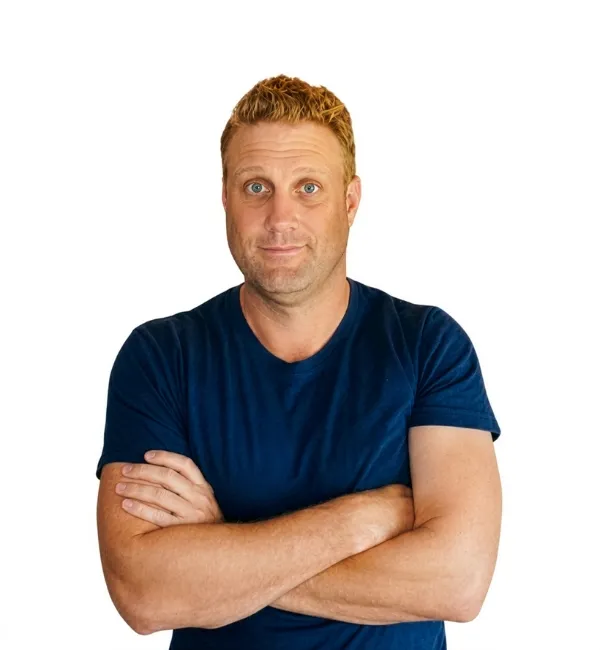
Matt KnightonI read every enquiry myself.
Rather pick a time now?
Book a 20-minute call straight into my calendar.
Or send me your details
Tools and skills in this guide
Everything named above, in one place.
- VentraIPDomain, email and hosting
- Google WorkspaceEmail with Google’s apps
- CanvaBrand kit, logo tidy-up and social profile images
- Envato ElementsLogo ideas (a subscription to use templates)
- ClaudeBuilding the landing page
- ChatGPTLogo and extra images
- GeminiExtra images
- Adobe FireflyExtra images
- CloudflareFree-tier hosting for the site, with Cloudflare Pages
- Claude CodeRunning the design skills
- CodexRunning the design skills
Skills
Add-ons for a coding tool such as Claude Code or Codex. They take some AI experience to use.
Questions
First website questions, answered.
How much does a site like this cost to run?
The main costs are your domain and an email or hosting plan, paid to the providers in your own name. If the site itself is hosted on Cloudflare Pages, its free tier covers most small landing pages.
Do I need WordPress?
Not for a first landing page. WordPress earns its place when you have many pages, several people editing, or a shop. If you grow into it, I can move the site across and keep your links.
Can I really build my website with AI?
Yes, if you do it in order. AI builds a good page from a clear brand kit, real photos and plain facts about your business. Skip those and you get a page that looks like everyone else’s.
What if I already have a domain or email?
Keep them. Say what you already have on the form, and we start from the first step you haven’t done. Make sure the domain is registered in your name, not a past web designer’s.
What do I need before the call?
A few name ideas, some real photos, and a short description of what you sell, who to and where. Bring any logins you already have. I send a checklist with your call time.
I got stuck halfway. Can you help with just one step?
Yes. Most people stall at the logo or the build. Fill in the form, say which step you’re on, and I’ll tell you the quickest way through.
Keep going
Once it’s live, make it work harder.
Already have a site that needs work? See website rebuilds and speed.
Let’s figure it out together
You don’t have to
build alone.
A little guidance. A good conversation. A better next step.
Start with a 20-minute call. I read every enquiry myself.