With the widespread adoption of Artificial Intelligence, the landscape of WordPress maintenance is undergoing a transformative shift.
Traditionally, this task has fallen under the purview of WordPress care plans, where human intervention is often required to implement updates safely.
However, the emergence of AI-powered automation tools is challenging this paradigm, promising to streamline the update process and potentially revolutionize WordPress maintenance.
In this article, we will define WordPress updates, delve into the capabilities of some prominent AI tools we use at MRK WP to manage them and evaluate AI’s readiness to take on the mantle of automated WordPress updates.
What are WordPress Updates?
WordPress updates refer to changes to the WordPress core, plugin, or themes installed on your website. When these changes are rolled out, you must constantly update your WordPress tools to their latest versions.
These updates are essential for maintaining the security and functionality of your WordPress website. Some updates introduce new features to your site, while some patches come in to fix bugs.
WordPress updates can be rolled out in mainly three ways;
- By running manual updates inside the WP Dashboard.
- Enabling WordPress – Auto Updates inside WP Admin.
- Using 3rd party tools to run updates.
In this article, we delve into the third option of using 3rd party tools to manage your WordPress updates.
WordPress Updates at MRK WP
At MRK WP, we have over 50 client websites under WordPress CarePlan. Each website requires timely updates from time to time to ensure it runs as expected without any security vulnerabilities.
MRK WP WordPress Care Plan
MRK WordPress Care Plan is a regular maintenance and support service by MRK WP that ensures your site is safe, secure and always backed up. The service ensures your website’s health is on track by;
- Checking and running regular WordPress updates on your site.
- Running malware scans and fixes on your website.
- Ensuring your plugin and theme licences are active and running.
To manage updates for sites under our WordPress Care Plan service, we use both the manual method and 3rd party tools to roll out updates across these sites.
The majority of the site plugin updates across our sites are managed automatically. However, we have sites and tools whose updates we manage manually due to some reasons. These are;
- Site complexity: Some sites have many moving parts, so any single plugin or theme update must be closely monitored to ensure nothing is broken.
- Crucial plugins and themes: Some plugins, such as Woo-commerce crucial to the functionality of some of our client websites. When rolling out their updates, we closely monitor these to ensure the sites do not break.
- Dependant tools: Some plugins and themes have a co-dependence, for instance, the Blocksy companion plugin and Blocksy theme. These must run at their respective matching versions to ensure a site remains operational.
Do you have a WordPress Care Plan?
Do you have a care plan for your WordPress website? If not, you should contact MRK WP and get one for your website now.
Whereas we have some unique reasons for sticking to manual updates in some cases, most of our WordPress Updates are handled by AI-powered tools.
WordPress Updates with AI Tools
The integration of Artificial Intelligence (AI) has marked a significant advancement in automating business processes across all fields.
In the world of WordPress, AI tools are offering a promising solution to streamline the update process on sites.
How AI Tools Roll out WordPress Updates
Under the hood, these AI tools act as digital watchdogs for your website updates. They perform detailed analyses before and after each update, scrutinizing any changes to your site’s appearance or internal workings. The depth of this analysis can vary depending on the chosen tool.
If a tool detects any significant visual or backend alterations following an update, it triggers a safety measure: rolling back the update to a previous, stable version.
Additionally, these tools send immediate notifications to the website administrator, alerting them to the rollback and potential issues.
There are various AI auto-update tools out there in the WordPress market. AT MRK WP, we use three prominent tools to manage our updates. These are;
- Automate by WPMU
- Smart Plugin Updates by WP Engine
- SafeUpdates by Cloudways
We will now look at how these tools work and our experience working with them over the past three years.
1. Automate by WPMU
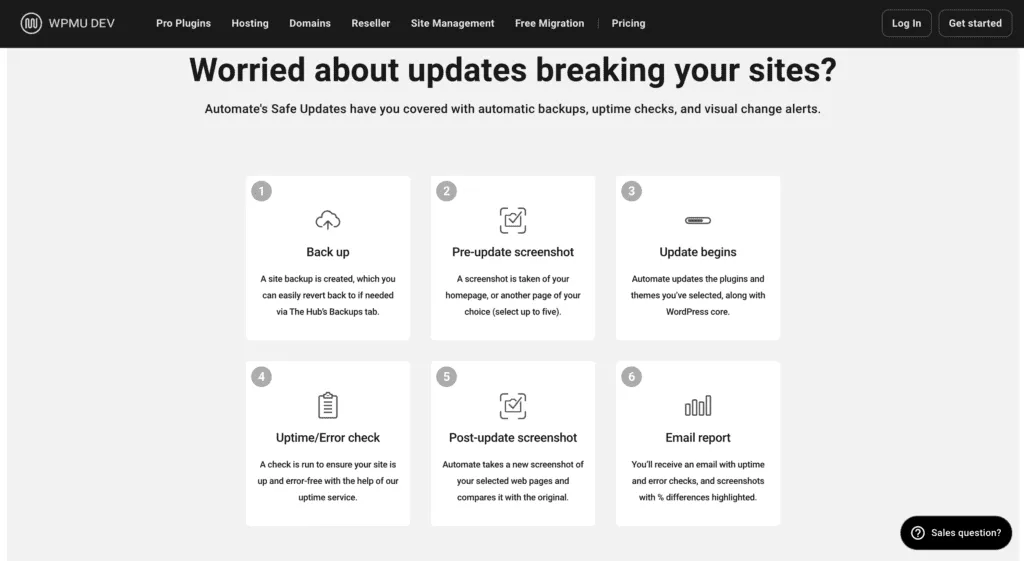
Automate is a feature-packed solution offered by WPMU Dev, a renowned name in the WordPress ecosystem.
WPMU Automate uses the visual comparison of your web pages pre and post-updates to assess the stability of updates.
The tool runs updates on your live website and compares screenshots before and after. It is limited to how many pages it can scan and is a bit hit-and-miss.
Unlike Smart Plugin Manager and Safe Updates, which are tied to specific hosting providers (WP Engine and Cloudways, respectively), Automate by WPMU is not hosting-dependent. This means you can utilize its automated update magic on any website, regardless of your chosen hosting platform.
When using Automate to run updates at MRK WP, it created more problems than solved for anything except simple sites.
The tool only tests screenshots of up to 5 web pages. This is a very small testing scope, and we found that it was not sufficient to capture update errors for some sites.
We now only use this tool on two websites that rarely change and have very few plugins.
2. Smart Plugin Manager by WP Engine
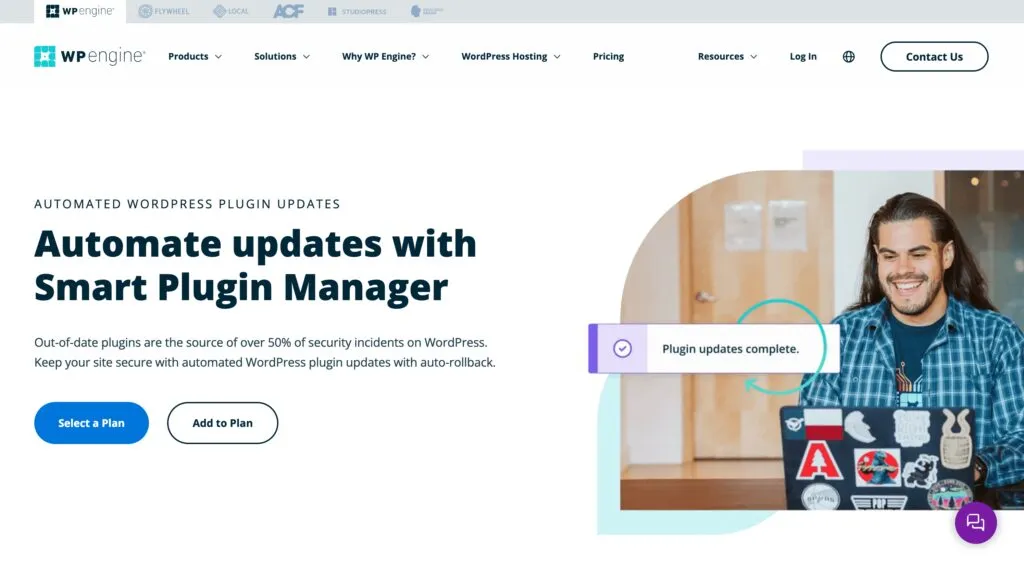
Smart Plugin Manager (SPM)is an AI-powered solution designed to automate updates for plugins and themes on your WordPress website hosted on WP Engine.
It uses Visual Regression Testing(VRT) to check for any visual or functional changes before and after updates that might break your site. If it detects issues, it automatically rolls back the website to a stable version (before the update).
When using the SPM, we discovered that this tool does not pick up backend errors on the WordPress website that might occur during updates. This makes it flawed, meaning you cannot entirely depend on it for some site updates.
Unfortunately, we encountered instances where Smart Plugin Manager unexpectedly deactivated plugins without notifying us.
For example, one of our websites using Learndash experienced a complete breakdown in learning-related content after Smart Plugin Manager deactivated it.
On reaching out to support, this was not well handled. They could not properly troubleshoot why SPM deactivated the plugin.
3. Safe Updates by Cloudways
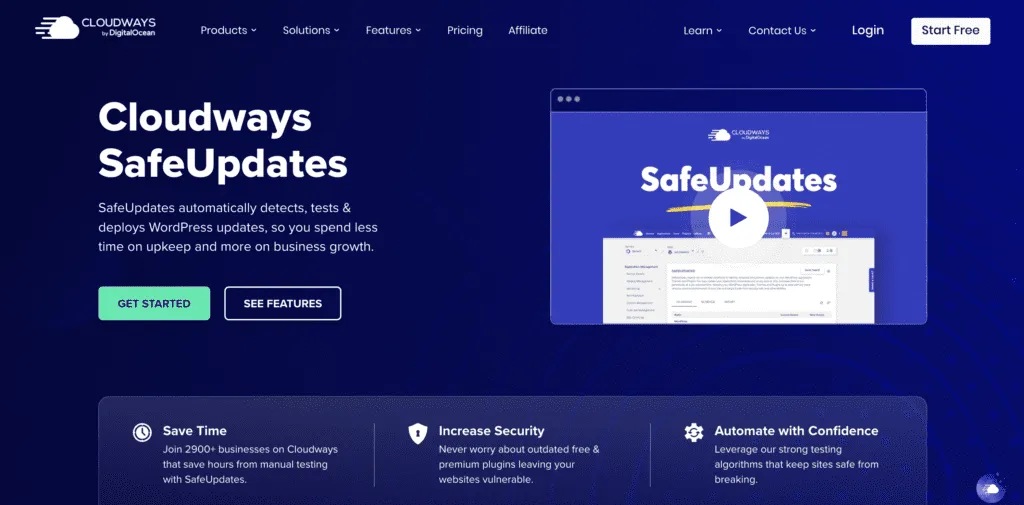
Safe Updates by Cloudways has a unique setup, making it a big step ahead of Smart Plugin Updates.
In addition to the visual tests, Safe Updates also checks for PHP errors and changes. This means it can identify if an error on your site could create a problem that may not be a visual issue.
This is important for sites with E-Commerce or Member Areas. However, it is essential for any site. You don’t want a functional error that is not obvious to a visual tool.
How Do We Use These Tools at MRK WP?
Safe Updates from Cloudways has proven to be excellent. So far, it has not broken a single site or caused a single problem. It has also caught several update issues and helped our care plan team become more effective.
It’s good that we are considering moving all our sites to Cloudways to use the tool.
In addition to this, we also make sure that problematic plugins are not automatically updated. Plugins such as Woo-Commerce and ACF Pro, as well as some themes. We ensure we update and inspect updates for these manually.
For plugins such as Yoast, Smush, Schedule Actions and other similar tools that are not front-end functional or have low-level functions, these are handled by the auto-update tools.
Making Your Site More Maintainable
To make your site more maintainable with these AI auto-update tools, you must reduce the number of plugins your site uses.
The fewer the number of plugins, the fewer conflicts among the tools, hence less chance of your site breaking during auto updates.
Can AI Tools Fully Handle These Updates?
After reviewing each tool, it all comes to one question: Is AI smart enough to pick up conflicts and problems within your plugins or theme ecosystem? Based on our experience, the short answer is no, well – Net Yet.
This does not mean these tools are not helpful, but at this time, they cannot replace the manual human process.
AI update tools have done a tremendous job of managing updates on our small sites, but when it comes to complex sites, it has not been a great experience.
We have noticed that the fewer plugins and features you have on your site, the higher the chances AI can do these updates. This is because the risk of something breaking on your site is much lower.
What Does the Future Hold for AI Updates?
While AI-powered tools are making strides in automating WordPress updates, they haven’t quite reached the point of complete autonomy. There’s still room for improvement, especially in terms of anticipating and preventing issues.
Imagine a future where a central database tracks known problems arising from specific plugin updates:
- Say, an update to Yoast 2.0 on a WordPress 6.4.1 site with PHP 7.0 crashes the entire platform. This information would be stored, allowing AI tools to avoid automatically applying such updates altogether.
- Additionally, the AI could notify plugin and theme authors about bugs identified during updates, providing specific details on affected sites and pre-existing software versions. This would empower developers to replicate, fix, and patch issues much faster.
Such a system would revolutionize website management:
- End users would benefit from smoother, problem-free updates.
- Care plans, currently offered by many agencies, might become obsolete if AI handles updates seamlessly.
However, scaling such a system wouldn’t be easy:
- Collecting and organizing vast amounts of data efficiently would be a major challenge.
- Collaboration between diverse plugin and theme creators would be crucial.
Despite the hurdles, this “dream AI service” holds immense potential. It could mark a shift towards automated troubleshooting and bug fixing, significantly improving WordPress maintenance for everyone. While a few years away, this future seems closer than ever, thanks to the continuous advancements in AI technology.
Conclusion
In conclusion, AI-powered tools are valuable assets for automating WordPress updates. They save time, improve efficiency, and enhance website security.
However, complete reliance on AI might be premature. The ideal approach involves leveraging AI automation while maintaining human oversight and expertise for handling complex situations and ensuring optimal website health.